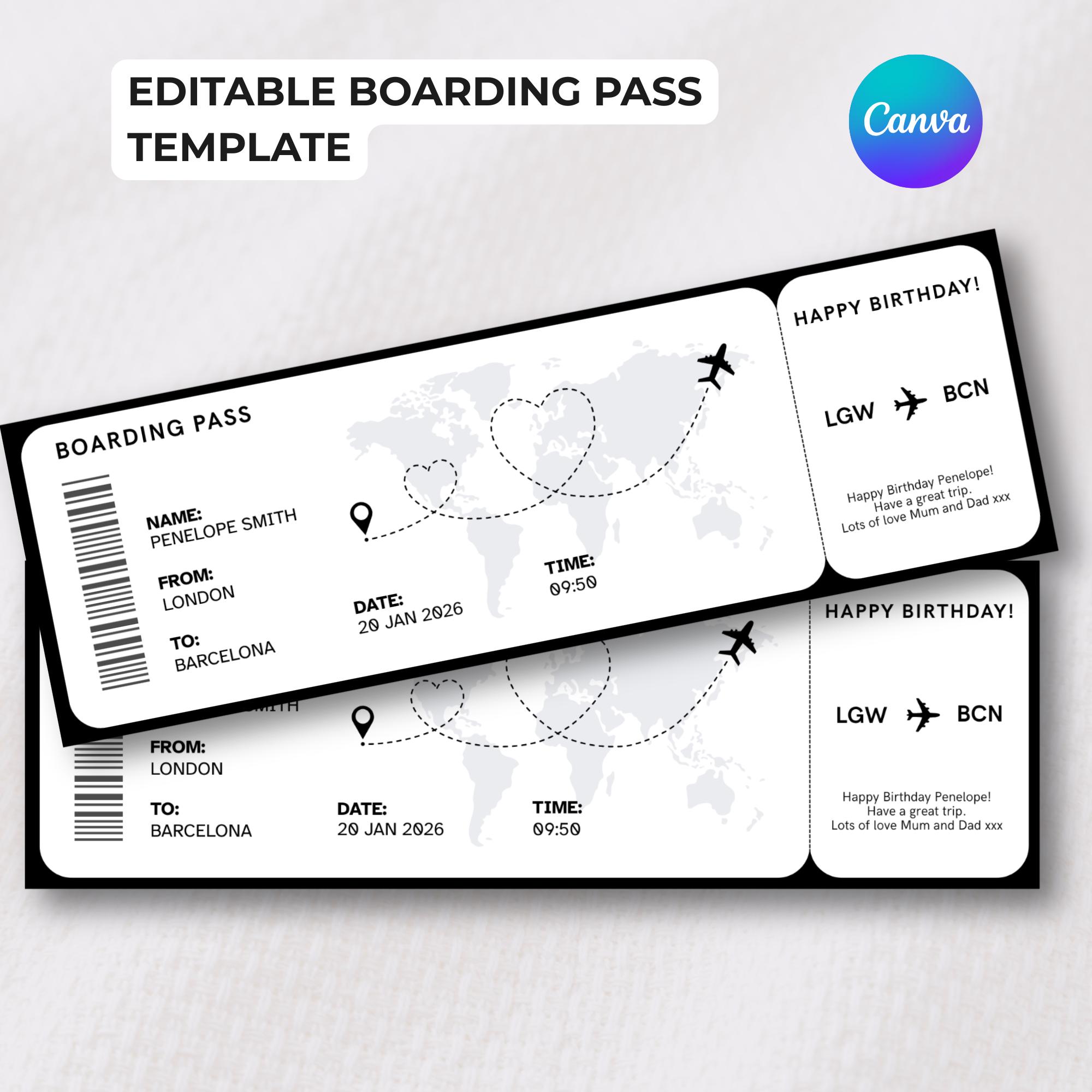
Boarding Pass Template
Editable in Canva • Instant download • Print or share digitally
This editable boarding pass template lets you create a beautiful, realistic surprise trip reveal—perfect for birthdays, Valentine’s Day, anniversaries, graduations or any milestone moment. Designed for Canva (free account required), it's easy to customize with your trip details and print at home. This digital boarding pass works as a holiday reveal, travel gift or vacation surprise. No design experience needed! WHAT YOU GET A digital download PDF with instant access to an editable boarding pass Canva template. The boarding card design includes customizable fields for passenger name, destination, departure date and time and a personal message. Once edited, it can be saved as a PNG, JPEG or PDF for printing or sharing digitally. HOW IT WORKS Purchase the template and download the PDF file you receive from Etsy. Click the Canva template link provided in the PDF. Log in to Canva or sign up for a free account if you don’t already have one. Click on the text you want to edit. You will be able to edit the following fields: - Name - From - To - Date - Time - Airports - Occasion - Special message When you have finished, click Share and Download. You can choose PNG, JPEG or PDF for printing or sharing digitally. The airline ticket design works beautifully for surprise vacations, holiday gifts, graduation trips or anniversary getaways! IMPORTANT DETAILS No physical item will be shipped. This is a digital download available immediately after purchase. This is a digital template for personal use, not a real boarding pass or valid travel document! :) Made by PixelTrinketsStudio — Modern digital trinkets for meaningful moments 🖤
How It Works
Purchase on Etsy
Complete your purchase and receive instant access to the Canva template link.
Open Canva link
Click the link to open your editable boarding pass template in Canva.
Edit details
Customize passenger names, dates and write a special message. Check the product details for more information on the exact fields you can edit.
Download & share
Download as PDF or image and print at home or share digitally.
Frequently Asked Questions
Do I need Canva Pro?
No, a free Canva account is sufficient to edit and download this template. All elements are included and ready to customize.
How do I edit the template?
After purchase, you'll receive a link to the Canva template. Click the link, and it will open in your browser. You can then customize the text fields within Canva's user-friendly interface.
Can I get a refund?
Unfortunately, due to the digital nature of this product, we cannot offer refunds. However, if you encounter any issues with your purchase or have questions about editing the template, please contact us, and we'll be happy to assist you.
You May Also Like
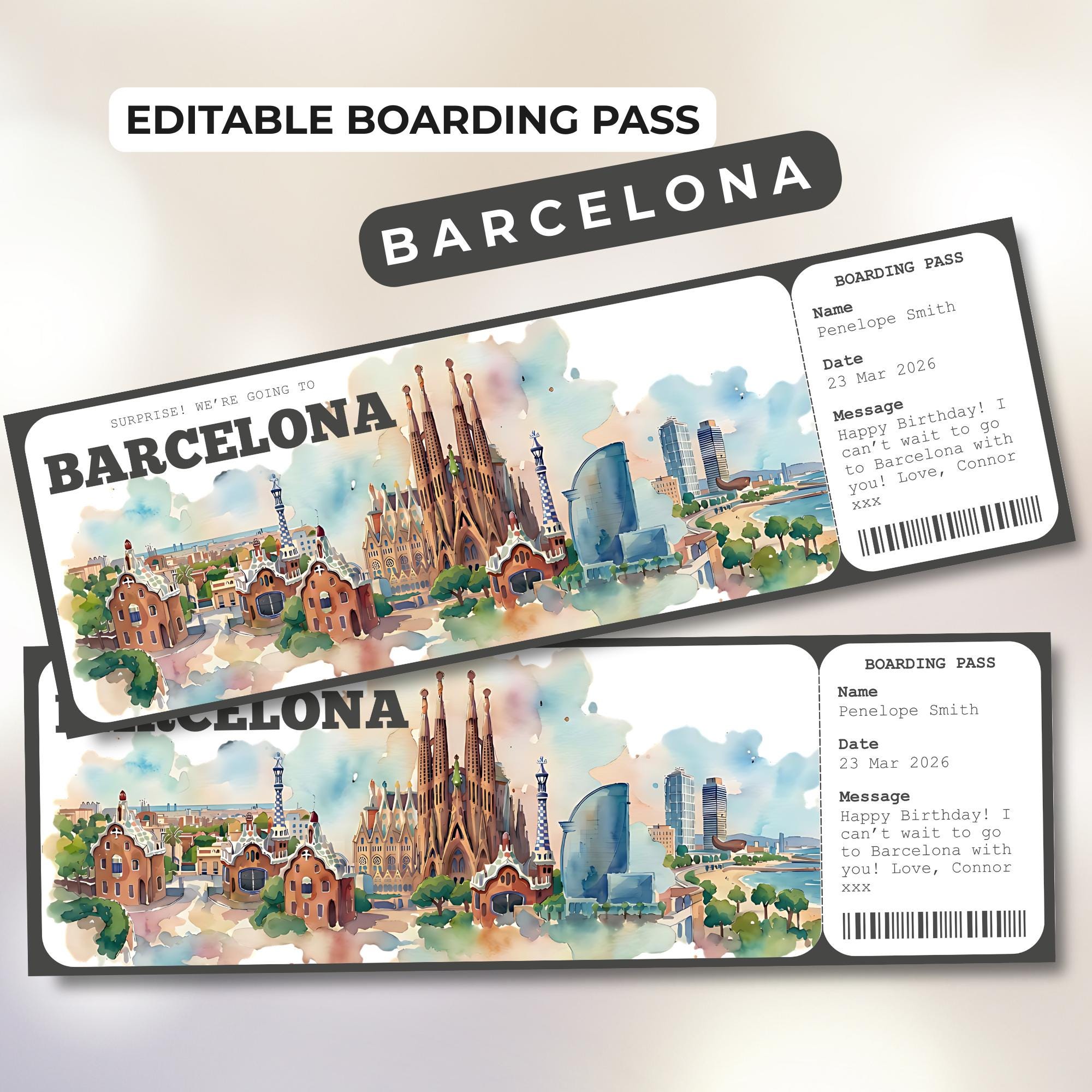
Barcelona Boarding Pass Template
📍Barcelona
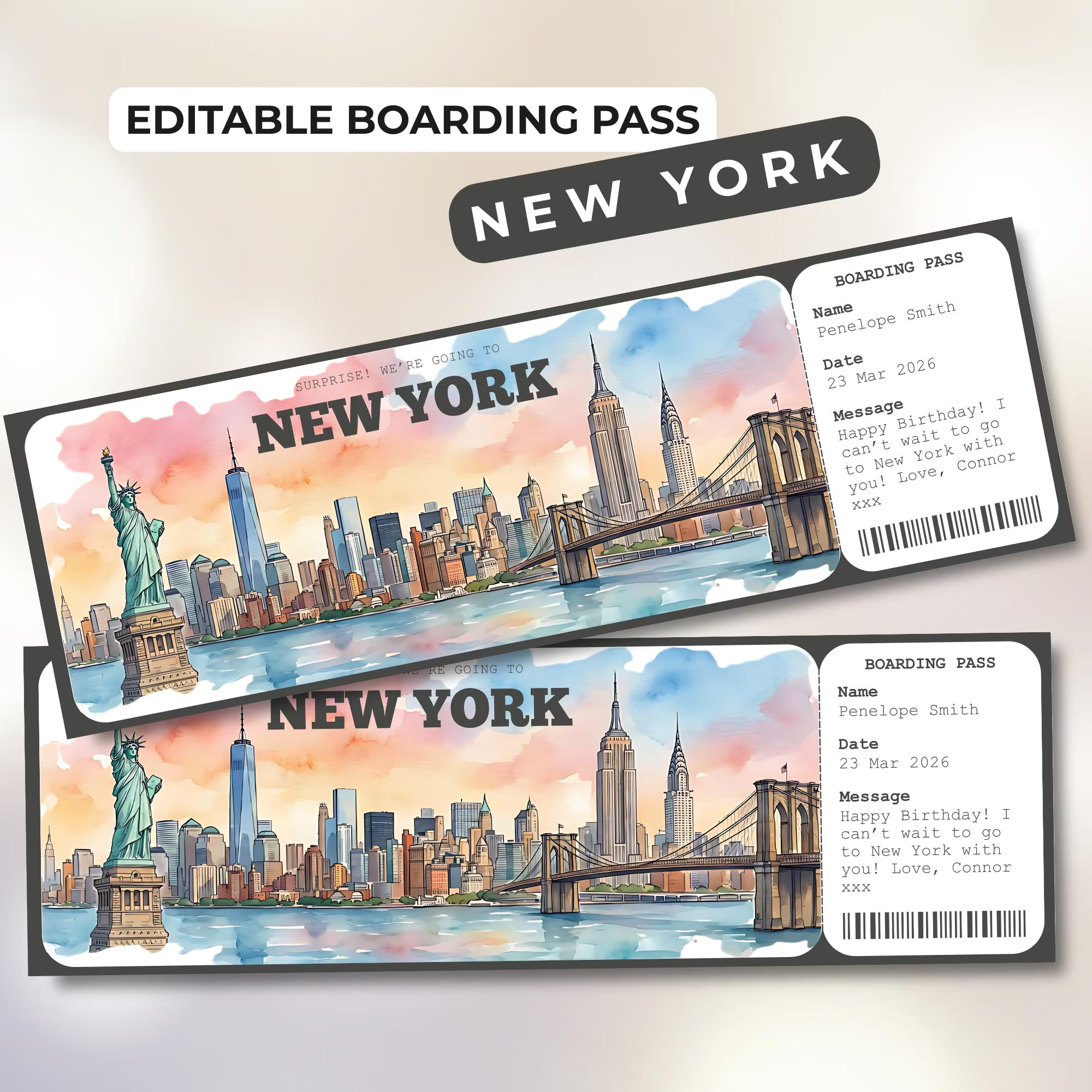
New York Boarding Pass Template
📍New York
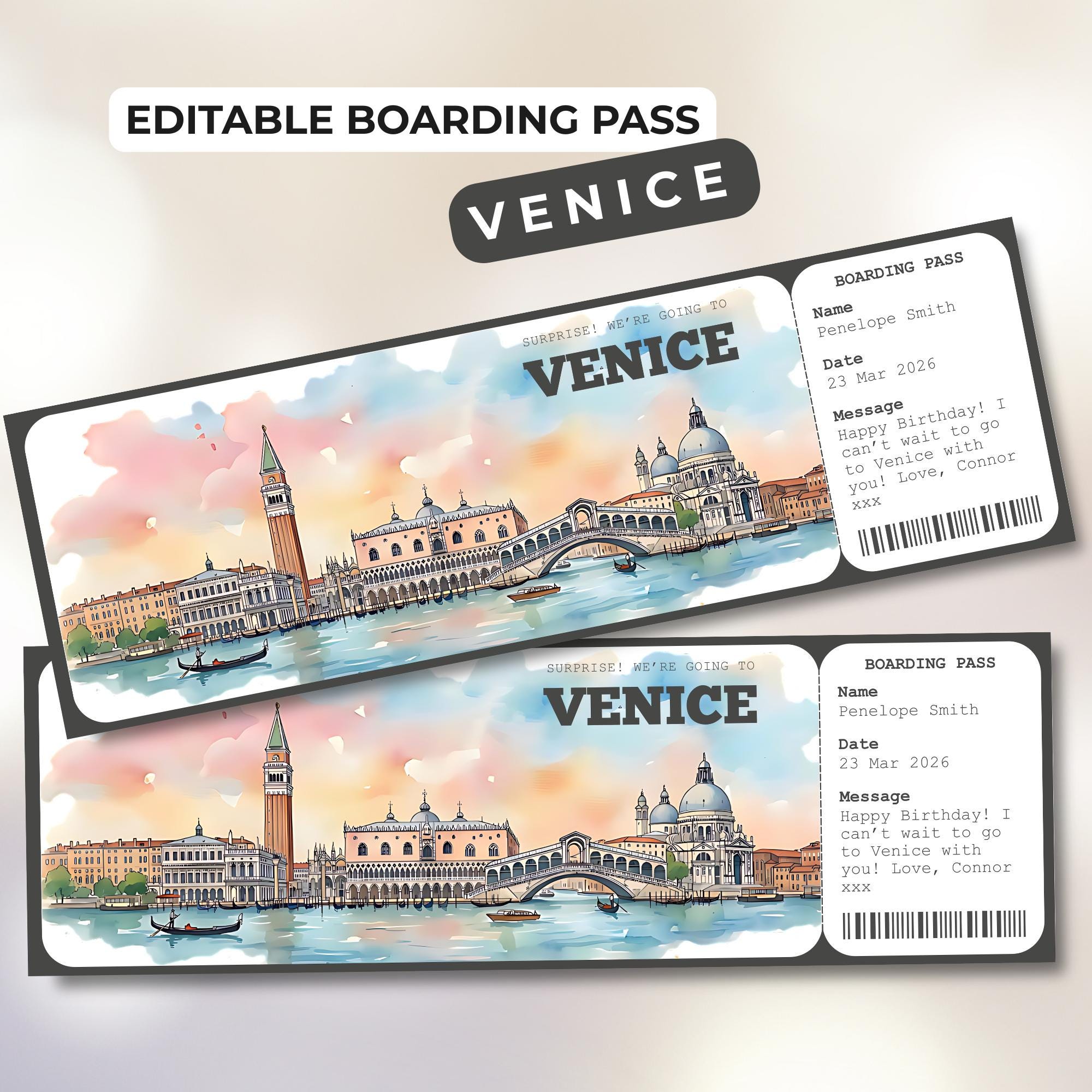
Venice Boarding Pass Template
📍Venice
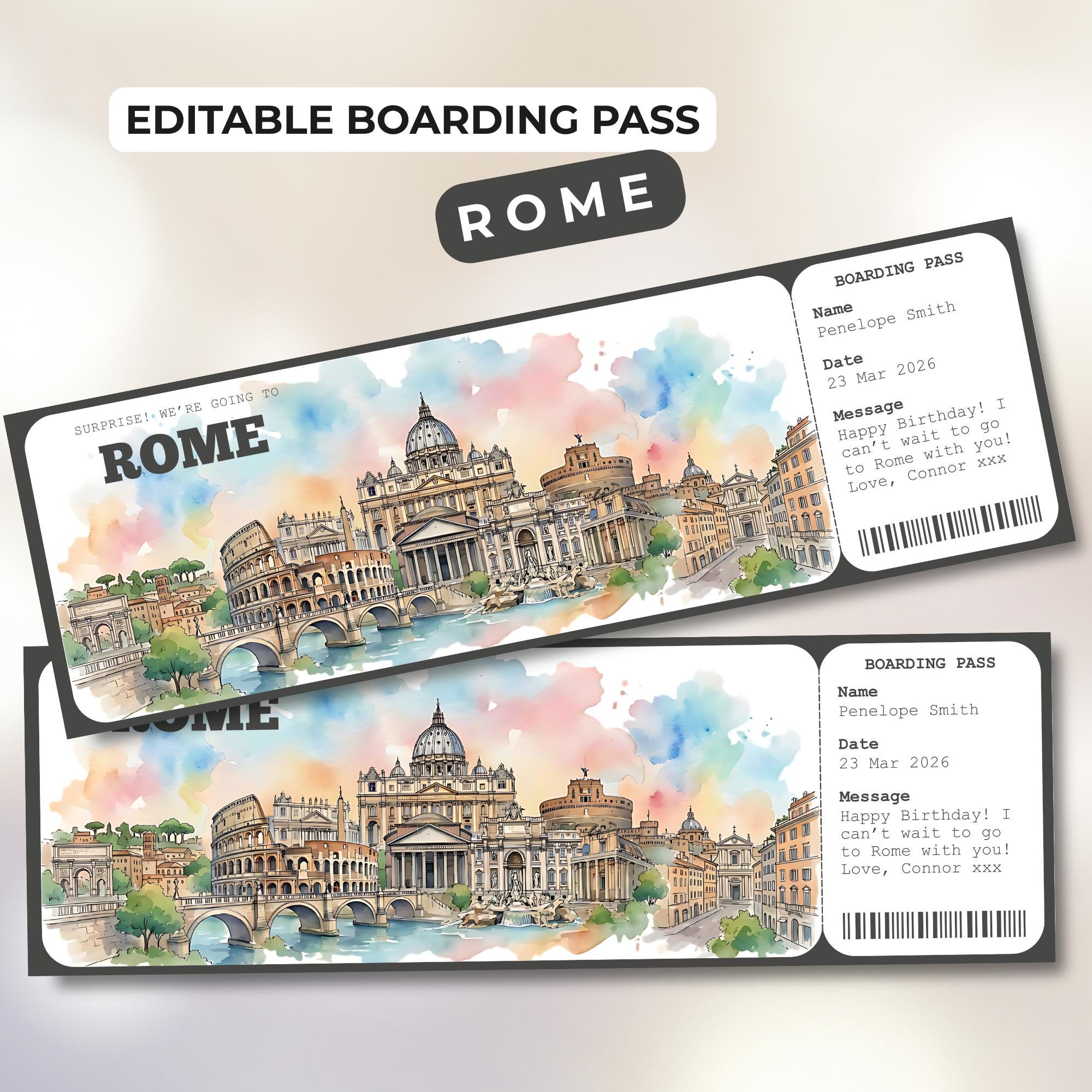
Rome Boarding Pass Template
📍Rome